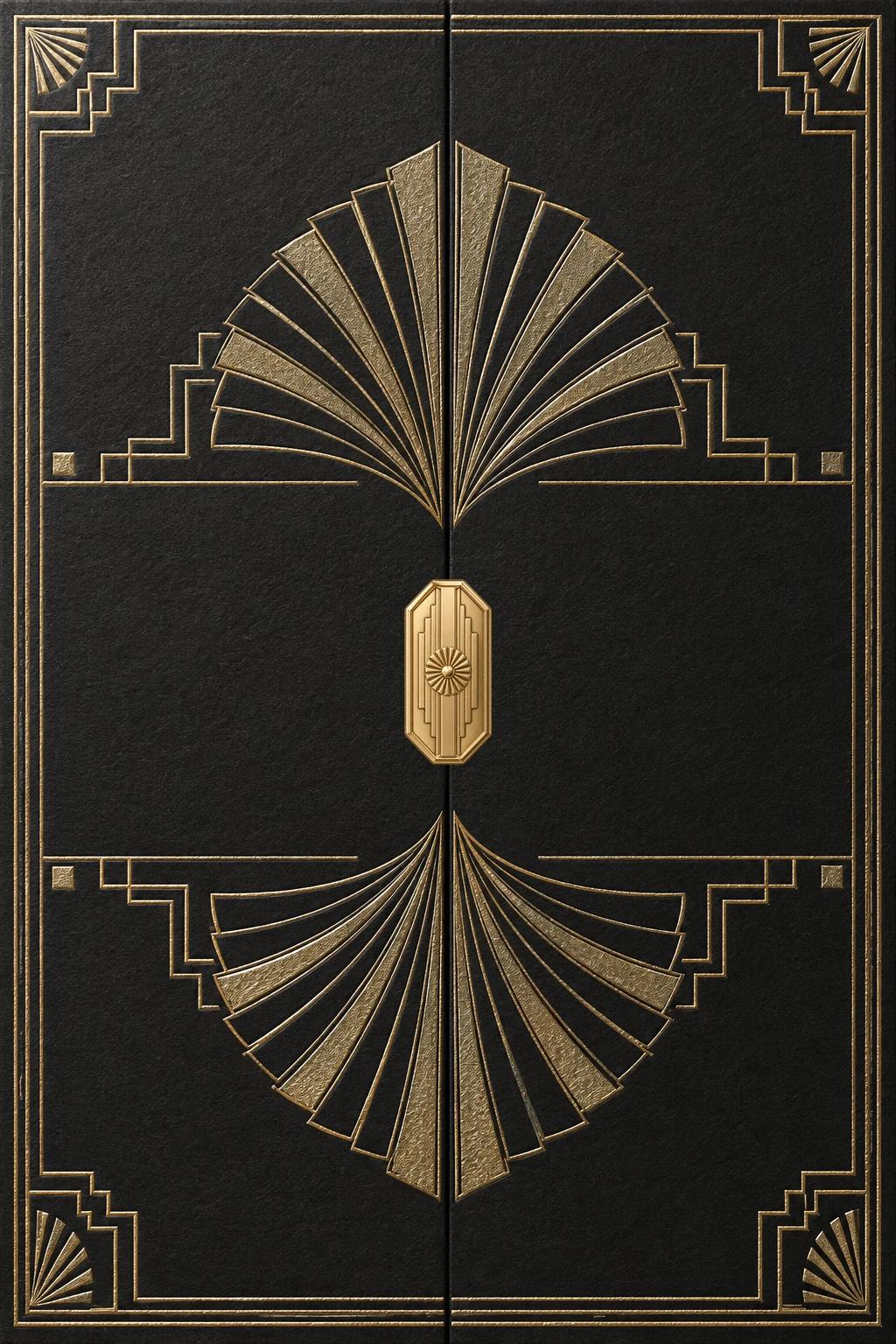
A gold clasp lifts before two black Art Deco leaves open.
Made for mobile
A steady card frame, with content discovered one section at a time.
Both families at its heart
Include family and parent names in the design, if you wish, in a way that suits your celebration.
RSVP: Replies in one place
Enable RSVP if you wish. Find acceptances, declines and party sizes with your invitation in your account.
One design, many personal moments
01 / Noir Éclat
Who is this design for?
Noir Éclat suits a black-tie wedding, a formal dinner or a celebration with urban elegance. Black cotton paper and fine gold embossing give the invitation depth. Its quiet dark interior lets names, dates and personal words stand out in warm ivory.
02
How do you make it your invitation?
Choose your occasion and style, enter names, the date and venue, and add the sections you want. See your invitation in the live preview. Pay only at the end. After confirmed payment and release, find your shareable link directly in your account.
Hidden content stays saved for you. Guests see it again only after you switch it on and save. Names and date stay visible. Birth announcements may omit the venue; all other sections are optional.
Start with Personalize. Create your invitation first, then sign in with Google or an email code and pay once at the end. All selected features are included. Later edits update the same link; names and date can be changed a combined maximum of twice after purchase.
Enable guest replies and publish. Open the invitation in your account to see names, acceptances, declines and party sizes. Turning replies off prevents new responses; existing replies remain.
The public design preview is only for trying things out. Responses in that preview are not saved.