
The Invitetti Journal
Personalise an online wedding invitation, step by step
A wedding invitation should sound like you and give guests the details they need. A considered template, a few personal words and a careful preview are a strong starting point. At Invitetti, personalisation and the marked preview are free before purchase; publication follows payment and the agreed release.
Gather the details before you start
Begin with the information guests need to plan: your names, the date, the start time and the full venue address. If the ceremony and reception have different arrangements, distinguish them clearly. Use the time that applies at the event location.
Choose a reply deadline and decide whether a dress note, schedule or menu will genuinely help. A short invitation with useful information is easier to follow than one containing every possible section.
- Names and your preferred greeting
- Confirmed date, time and venue address
- Invitation wording and any reply deadline
- Optional schedule, photographs and dress guidance
Choose a design that already feels right
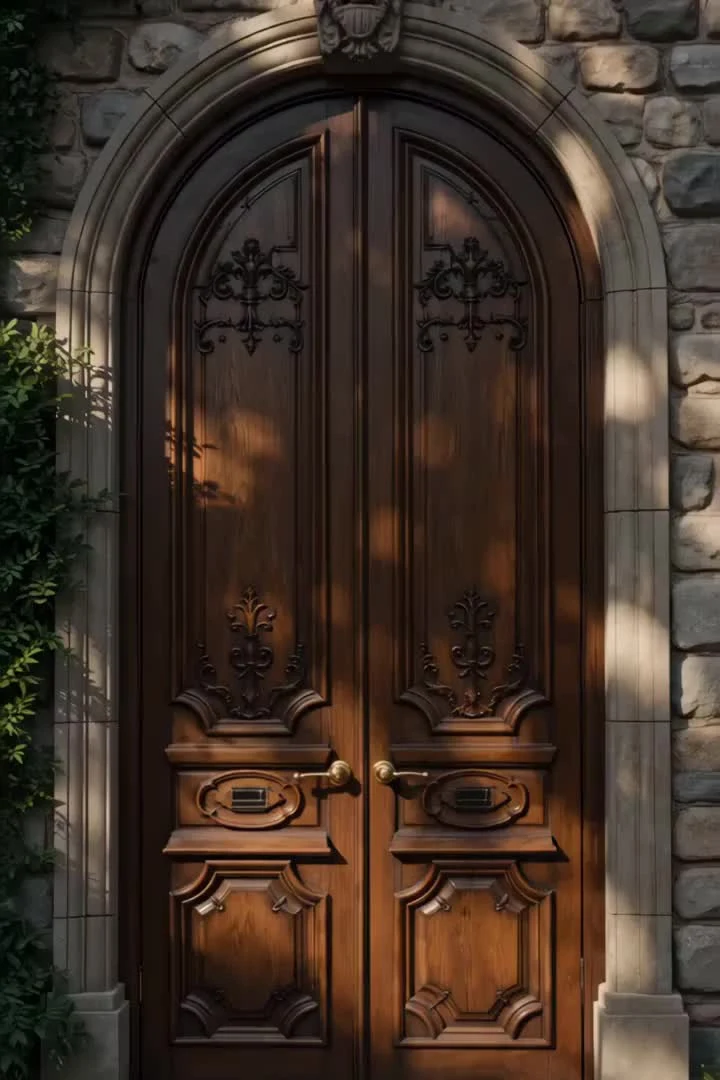
Villa Aurelia opens with classical doors, Linen Vow has the character of textile stationery, and Bosphorus Pearl pairs deep blue with ornamental detail. Open the complete previews rather than judging only the cover.
Typography, colours and the opening sequence belong to each design. Invitetti is not a free-layout graphics editor. Select the atmosphere you like first, then personalise the fields and optional content provided by that template.
Write a welcome in your own voice
A personal invitation does not need a long story. Say that you are getting married and add a sentence you would naturally say aloud. Full names suit a formal announcement; first names can feel more intimate.
Avoid repeating every practical detail in the opening paragraph. When the date and venue have their own sections, the welcome can concentrate on the people you want beside you.
Our shared story is beginning a new chapter. We are getting married, and we would love you to celebrate with us.
Three wording examples with three different voices
Choose a welcome you would actually say, rather than the one that looks most elaborate. These fictional examples give the same occasion three different tones. Replace the names, then put your confirmed event details in the fields provided.
- Relaxed: “We’re getting married! Come celebrate, raise a glass and stay for our favourite song. We can’t wait to see you. — Maya & Deniz”
- Warm and understated: “Having you beside us will turn our wedding day into a memory we share. We would love you to join our celebration. — Leah & Emre”
- Formal: “We warmly invite you to celebrate our marriage with us. Your presence would mean a great deal as we begin this next chapter. — Clara & Alexander”
One meaningful detail can be enough
Pick a connection that belongs to you: a short line about how you met, a photograph with a story or a melody from the available selection. You do not need all three. One familiar detail often says more than several paragraphs of generic romantic wording.
Read the welcome aloud together and remove expressions you would never use in conversation. Then check it on a phone: are the names readable, is the venue unmistakable and does everything still make sense with the sound off? A personal voice works best alongside clear practical information.
Use photographs and optional sections with intention
Add your own images in the available photo section. Choose clear photographs with an uncluttered subject and check the crop in the preview. Include only images you are comfortable sharing with recipients of the invitation link.
Enable RSVP, the schedule, menu, dress guidance or music when they support your celebration. The available optional sections are included with every design rather than divided into Standard and Premium tiers. Music begins after deliberate interaction, not automatic playback.
Understand what is free and what is paid
You can personalise the invitation and view its marked preview before buying. The current publication price appears on the design page and before ordering, so you do not need to request a quote.
After payment and release, your personal link appears in your account. One invitation corresponds to one one-time purchase. Check your account and the terms for later changes and availability; this is not a promise of unlimited editing or permanent hosting.
Review it as a guest, then share the link
Read every name, open the preview on a phone and check the date, venue and enabled sections. Try the preview RSVP: it does not save an actual guest response. Make sure the invitation still communicates clearly with the sound off.
Send the published link personally by message or email. Guests do not need an account to open it. Addressing the recipient by name makes your message warmer, but it does not create a separate guest-specific link. Keep track of replies received by phone or elsewhere as well.
Frequently asked questions
Can I create the invitation for free?
Personalisation and preview before purchase are free. Publication uses the current one-time price shown before ordering.
Can I freely change fonts, colours and layout?
Those visual choices are part of the selected design. You edit the supported text and event fields and add the available optional content.
How do we see who is attending?
With RSVP enabled, the published invitation collects attendance and party size. View the responses in your account and separately account for replies received outside the invitation.